
We’re super excited to roll out the Beta Flow Editor, a big update that makes building and managing your flows faster, smoother, and just… better. Especially if you’re working on large, complex flows — this one’s for you!
The biggest change? It’s fast. Really fast.
The Beta Flow Editor can handle huge flows without slowing down, so you can focus on building — not waiting. Everything feels snappier and more responsive, no matter how big your project gets.
We’ve made moving things around much more intuitive:
Basically, you now have full control over your flows, and it’s actually pretty fun to work with. 🤓
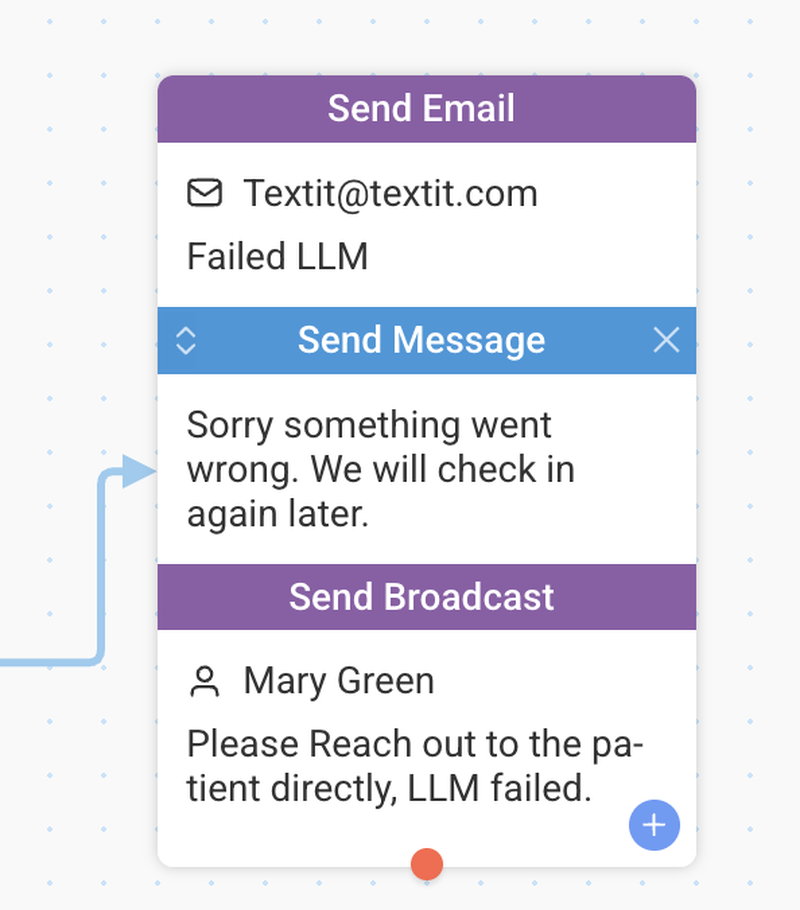
Keeping track of large flows just got a lot easier:
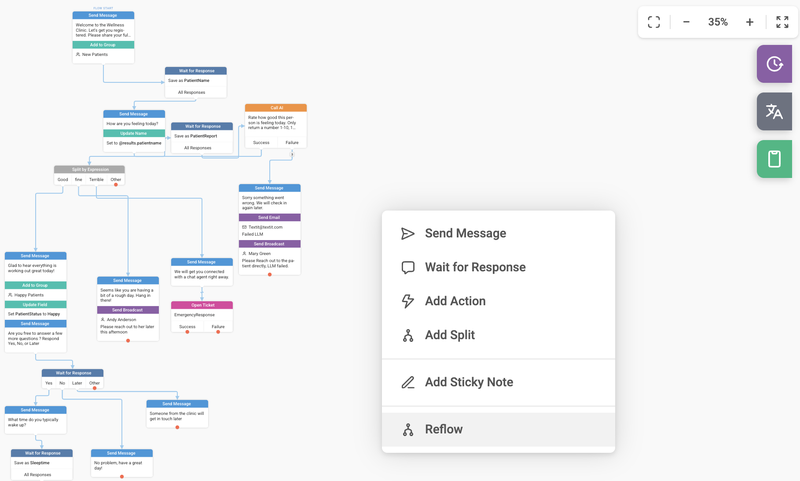
Refine a messy, complicated flow into a neat, organized layout with one click.
Just:
1. Zoom out
2. Click Reflow
3. Enjoy your beautifully organized flow
If you don’t like how your flow was reorganized, you can easily revert it using the built-in revisions tool.
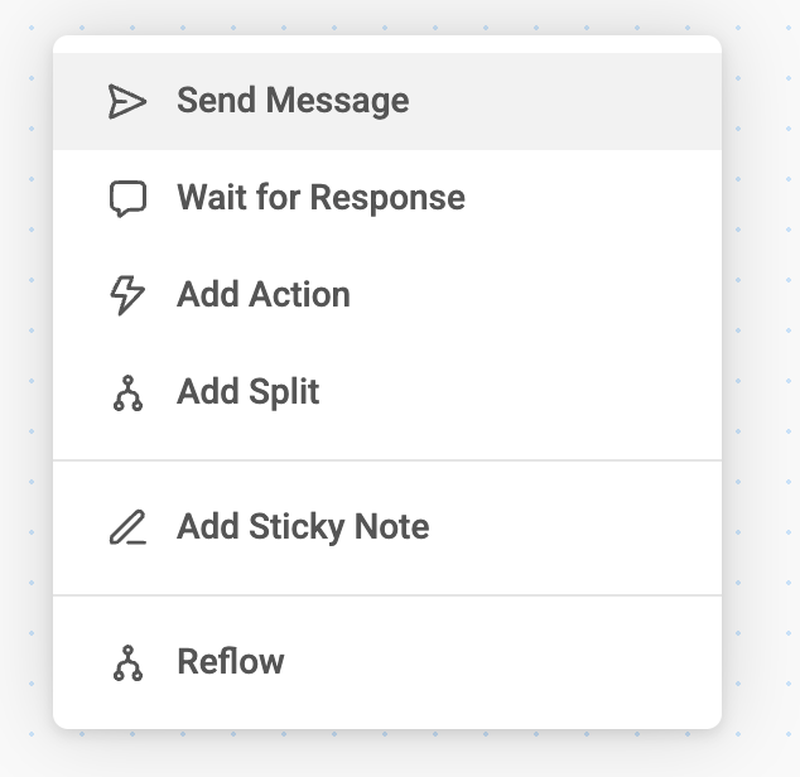
Creating nodes is now simpler too:
There are plenty of smaller tweaks under the hood that make everyday work smoother, but the improvements above are the real game-changers.
We highly recommend opting in to the Beta Flow Editor and exploring it for yourself — it’s worth it.
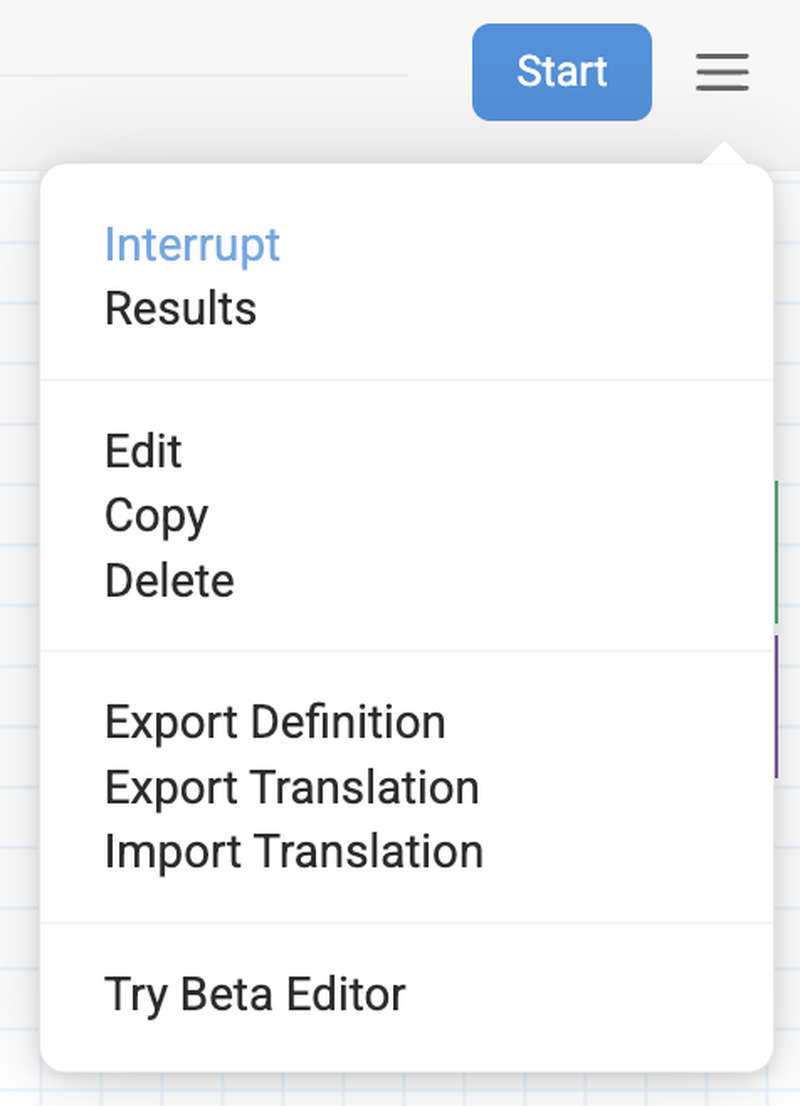
Don’t forget to check out our new Flow Simulator as well.
It features a much sleeker design and several advanced capabilities, including the ability to send video, audio, and location messages while testing. One of the biggest enhancements is the option to have the simulator automatically follow you through your flow, displaying each node and action as they are triggered during testing.
You can also now resize the phone simulator, giving you a clearer and more flexible view while you test.
This is just the beginning. We’ve got even bigger updates coming soon.
We can’t wait to see what you build with the Beta Flow Editor.
Dive in, explore, and see just how smooth your flows can be!